
Your favorite password may protect a dozen different accounts. If just one of these services suffers a breach, all the others become accessible. Everyday digital security does not rely on a single action, but on a few concrete habits that seriously complicate the attackers’ task.
Passkeys and FIDO2 keys: authentication that resists phishing
Most digital security guides recommend enabling two-factor authentication. A code received via SMS or generated by an app is enough to block a good portion of intrusion attempts. However, this type of protection does not withstand all attacks.
Have you ever received an SMS asking you to confirm a login you did not initiate? An attacker controlling a fake login page can intercept the code you enter and use it in real-time. This is known as real-time phishing.
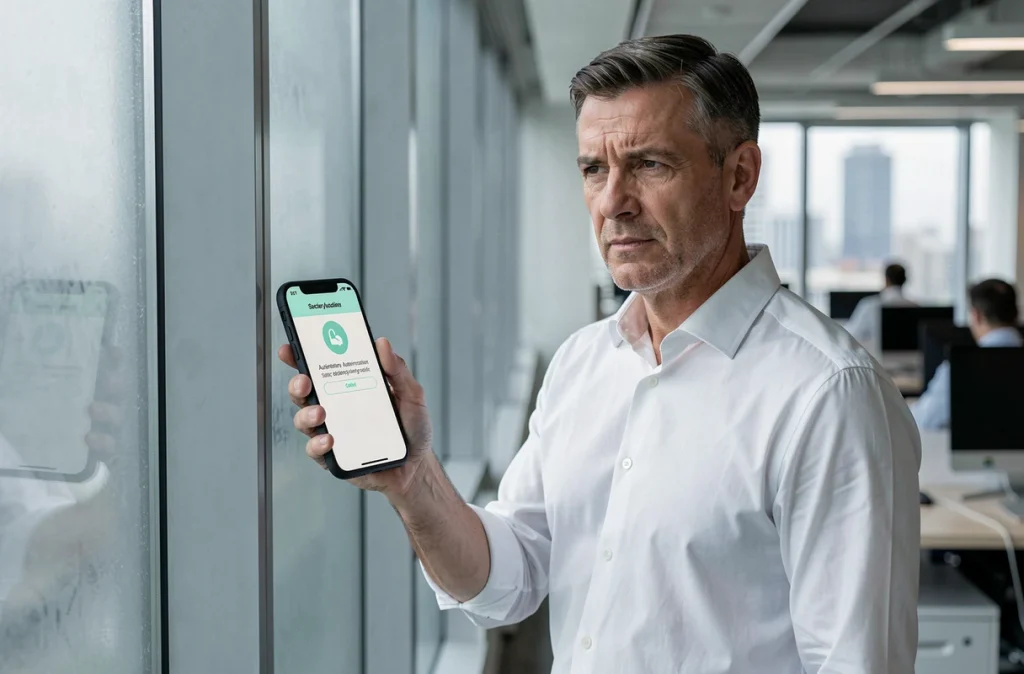
Passkeys link authentication to the legitimate domain of the site. In practice, your device checks the site’s address before sending any information. If the domain does not match, nothing happens. No code to copy, no password to type. The technical standard behind this approach is called FIDO2/WebAuthn, and its adoption is progressing in strong authentication policies, including in regulated contexts.
To learn more about these developments and current threats, the security section of Cyber Huge details the most recent attack mechanisms and appropriate protections.
Physical FIDO2 keys (small USB or NFC devices) operate on the same principle. They are currently the most resistant authentication factor against phishing. If your email provider or bank offers passkeys, enabling them truly changes your level of protection.
Passwords and password managers: what really matters
A long and unique password for each service remains the foundation. The difficulty is that a human cannot memorize dozens of complex strings. This is where a password manager becomes a daily tool, not a technical luxury.
How a password manager works
The principle is simple. An encrypted vault stores all your credentials. You only remember one master password, long and personal. The manager automatically fills in the login fields on your sites and applications.
- One unique password per account: if one service is compromised, the others remain protected.
- The manager generates random passwords, much more robust than those you would create yourself.
- Recognized managers encrypt your data locally before synchronizing, meaning that even the software publisher cannot read your passwords.
- Some managers detect passwords that have already appeared in known breaches and alert you.
Avoid saving your passwords directly in the browser of a shared computer. This convenience opens access to anyone who uses the machine after you.
Personal data breaches: reacting quickly limits damage
Data theft affects administrations, companies, and associations in France every year. The dominant threat is no longer just a weak password: it is the exploitation of compromised accounts through phishing and credential stuffing.
What attackers do with your data
After a breach, your personal information (name, email address, tax ID, phone number) is used to create credible messages. A fraudster can impersonate your bank advisor by citing real details about your situation. The more personalized the message, the harder it is to detect.
The 2025 activity report from CNIL confirms that the exploitation of compromised accounts and phishing are among the most frequent attack vectors. This trend pushes CNIL’s doctrine towards clearer compliance requirements regarding authentication.
Concrete actions after a breach
Immediately change the passwords of the affected accounts. If you used the same password elsewhere, change it everywhere. Enable two-factor authentication (or passkeys if available) on sensitive services: email, banking, taxes.
Monitor your bank statements for several weeks. Report any suspicious messages to your bank and on the Cybermalveillance.gouv.fr platform. Never share a validation code over the phone, even if your interlocutor knows your name and account number.

Updates and backups: two underestimated habits
An outdated device or software has known vulnerabilities. Security patches exist to close these gaps. Delaying an update by a few days is like leaving a door open that any automated script can find.
Enable automatic updates on your operating system, browser, and main applications. This setting offers the best balance between effort and protection.
For backups, the principle can be summed up in one sentence: any data that exists in only one place can disappear. Regular backups on an external drive or an encrypted storage service protect you against hacking, hardware failure, and theft.
- Schedule a weekly automatic backup of your most important files.
- Test the restoration at least once: an unreadable backup is useless.
- Keep at least one copy disconnected from the internet to resist ransomware that also encrypts online backups.
Digital security rarely relies on a miracle tool. It is simple reflexes, applied regularly, that significantly reduce risks. Enabling passkeys when possible, using a password manager, keeping software up to date, and maintaining an offline backup: these four actions cover most of the attack scenarios individuals face today.